Free production files
Free paper size templates for A3, A4, Letter and A5.
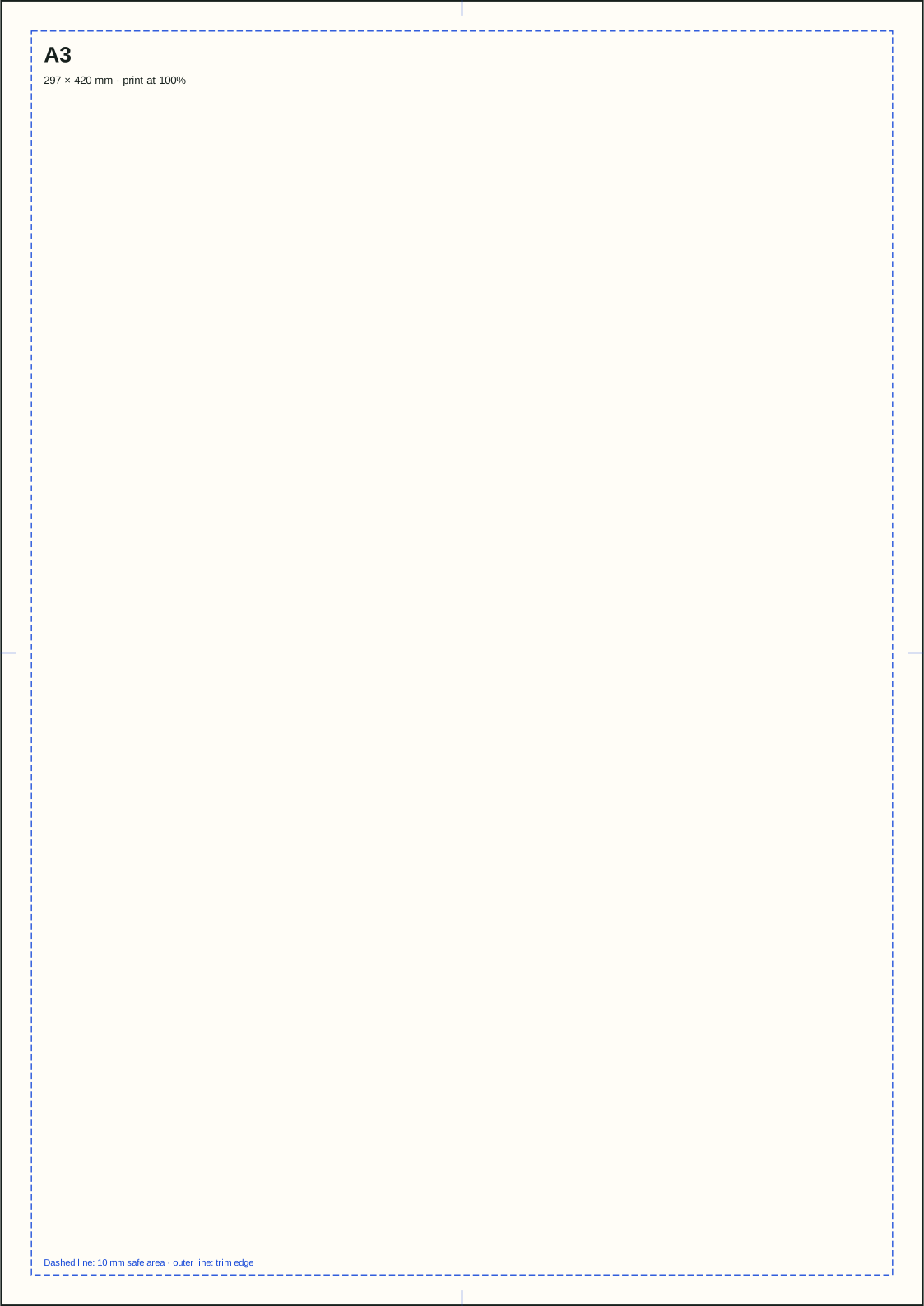
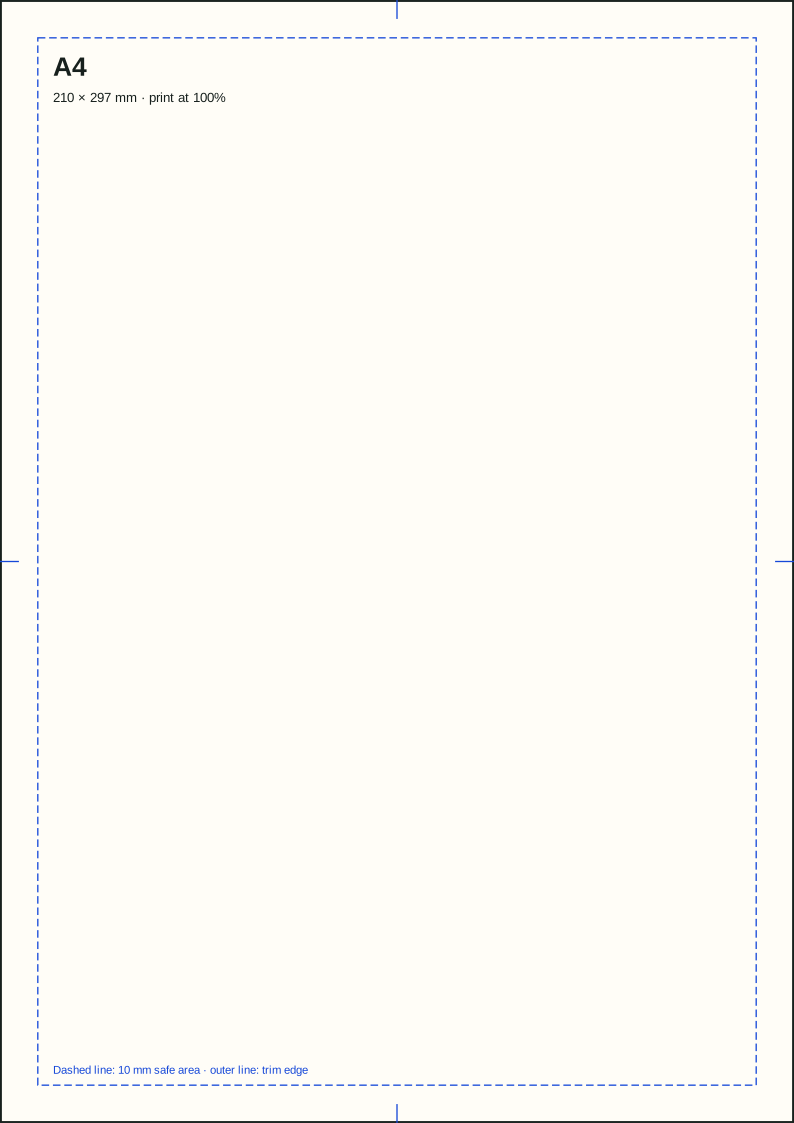
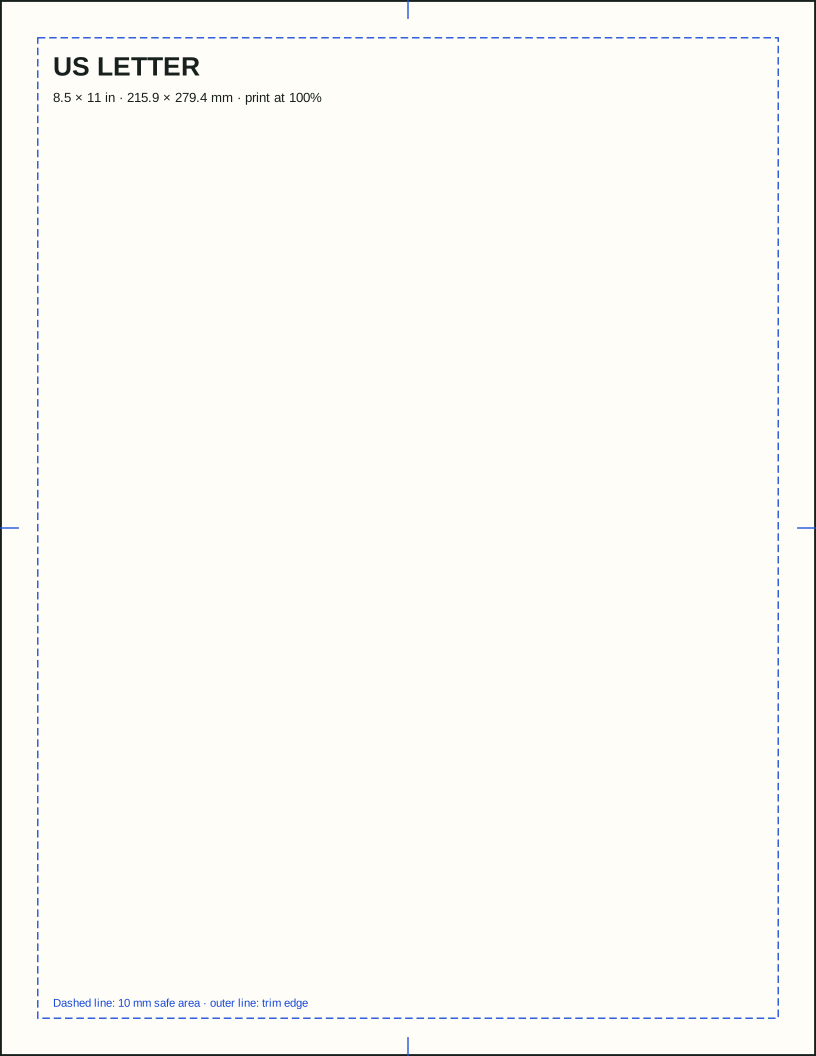
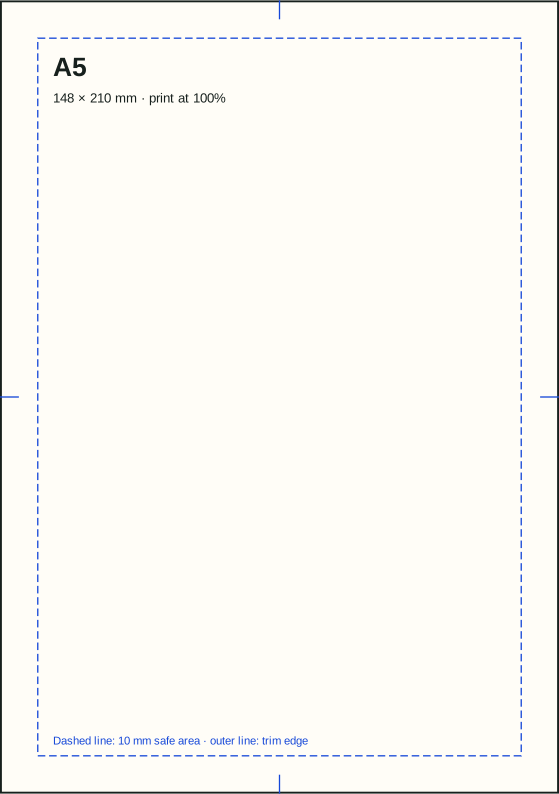
Download free paper size templates as editable SVG files. Each one uses physical dimensions, a visible trim edge, center marks, and a 10 mm safe-area guide. Open the file in a vector editor or place it into a layout document.
New multilingual download
Need every A-size on one page?
Download our printable A0–A6 chart in English, German, Polish, Italian, Indonesian, Brazilian Portuguese, French, and Spanish.
Editable SVG
A3 trim & safe-area template
Posters, diagrams, presentation spreads, and larger-format layouts
Editable SVG
A4 trim & safe-area template
Documents, flyers, forms, and international office layouts
Editable SVG
US Letter trim & safe-area template
North American documents, resumes, forms, and handouts
Editable SVG
A5 trim & safe-area template
Flyers, programs, invitations, and compact handouts
Before printing
Keep the dimensions physical.
- 01Place or open the SVG without resizing it.
- 02Choose 100% or “actual size,” not “fit to page.”
- 03Match the document, print driver, tray, and physical sheet.
- 04Measure the first output before producing a full run.
Safe area is guidance, not bleed.
The dashed inset keeps ordinary text away from the edge. Commercial bleed extends artwork beyond the trim edge and must follow the print provider’s specification.
Home printers may add margins.
A correctly sized file does not make a printer borderless. Check the device’s printable-area limits and choose borderless mode only when the printer and paper support it.
What is included
Simple guides you can remove before export.
- Exact physical page dimensions
- Trim-edge outline
- 10 mm safe-area guide
- Horizontal and vertical center marks